
No upfront costs
Other systems charge hundreds of dollars for an iPad and printer before you even get your first order. With BiteBuddy, the hardware is a free loan.
Restaurant online ordering hardware · Metro Vancouver
Stop buying expensive hardware. BiteBuddy provides a free tablet and receipt printer for your direct ordering, complete with in-person setup at your Metro Vancouver restaurant.
No upfront hardware bill. Free Trial available. Paid options from CA$49/month. Keep marketplaces—own your customers.
The problem
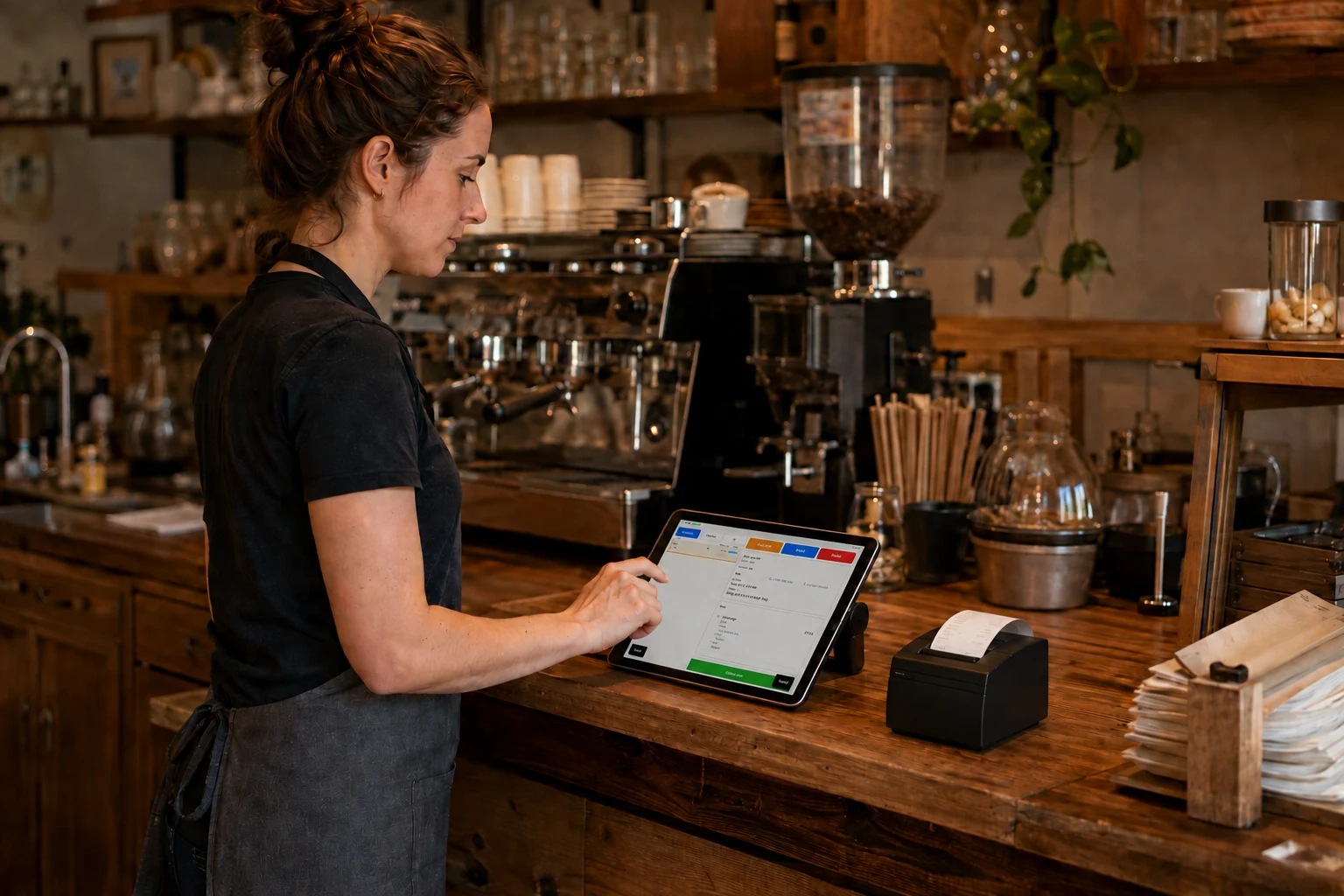
Many online ordering setups still leave the restaurant to figure out the hardware. You may need to choose a tablet, find a compatible printer, configure the network, and test everything yourself. BiteBuddy takes a simpler approach: we provide the core equipment and help set it up at your restaurant.
Other systems charge hundreds of dollars for an iPad and printer before you even get your first order. With BiteBuddy, the hardware is a free loan.
You run a kitchen, not an IT department. Forget reading manuals to configure IP addresses or connect Bluetooth printers.
Keep your existing marketplace tablets (Uber Eats, DoorDash, Fantuan). Our hardware sits alongside them for commission-free direct orders.
The BiteBuddy solution
Online ordering hardware for small restaurants—without the upfront POS tablet bill. Free Trial and paid options from CA$49/month include the loaned tablet, printer, and local setup.
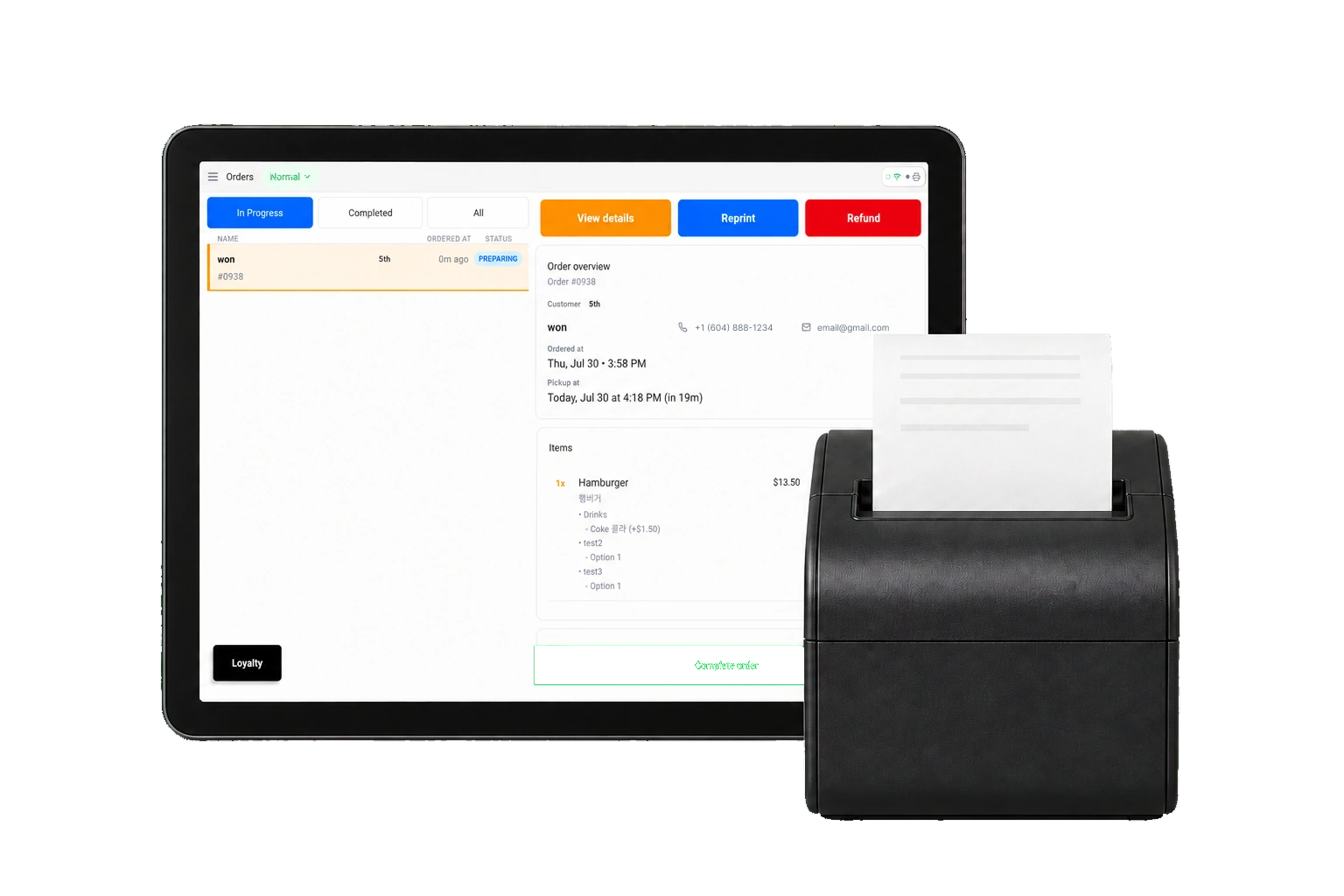
Preconfigured with BiteBuddy and ready for your team to receive and manage direct orders.
Print clear order tickets for the kitchen or front counter as orders are accepted.
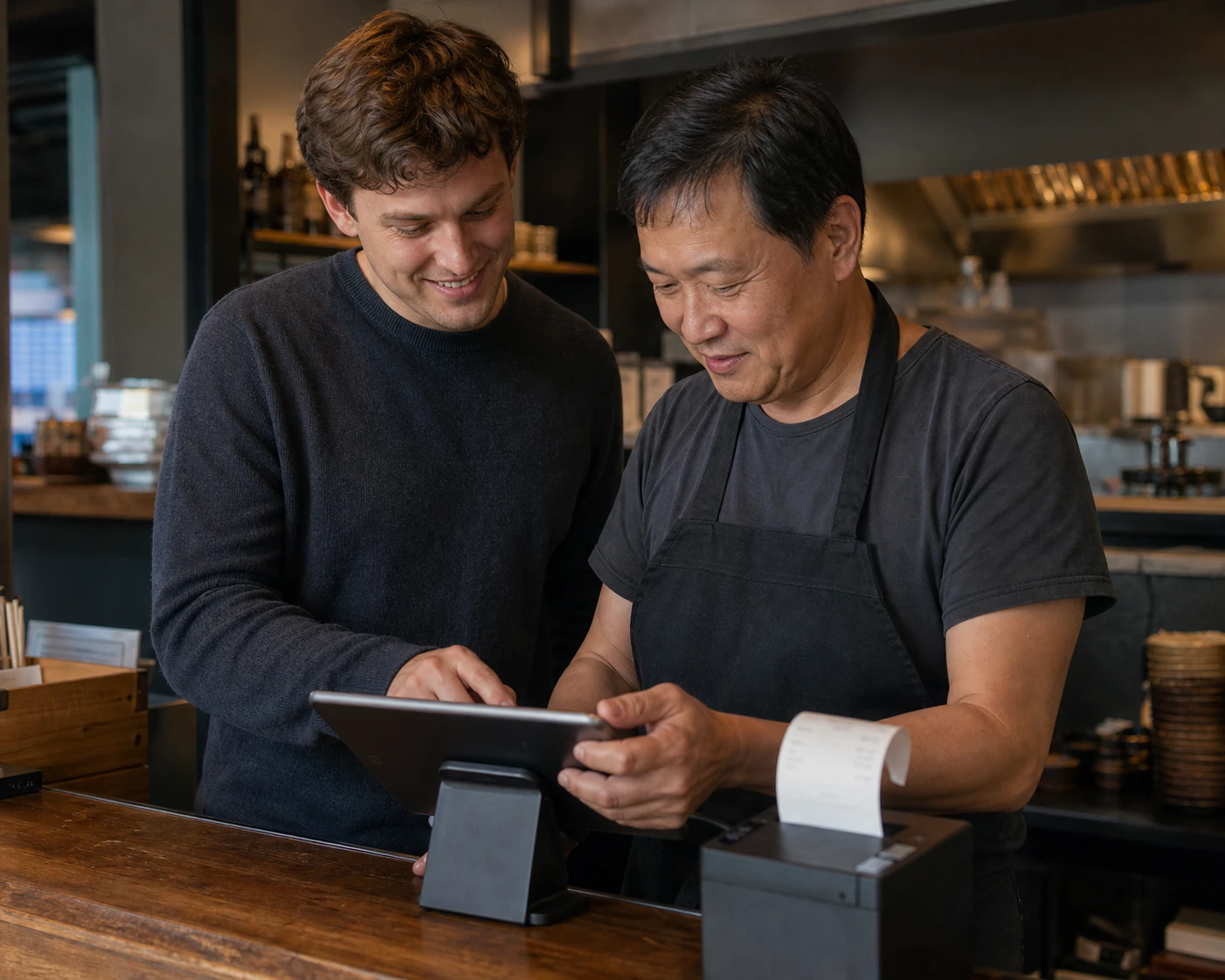
Our local Metro Vancouver team visits your restaurant, connects the hardware to your Wi-Fi, and tests everything.
We show your team how to receive, review, accept, and reprint orders before we leave.
How it works
Direct ordering tablet setup without turning your team into an IT department.
Tell us about your restaurant and send us your current menu. We’ll prepare the ordering setup before installation.
We schedule a visit, bring the tablet and printer, connect the equipment, and run test orders.
Your staff knows the workflow and your direct ordering channel is ready to go live.
Local support, not remote-only
“They brought the tablet and printer, set it up on our counter, and walked the staff through accepting orders. We didn’t have to figure out cables or apps ourselves.”
FAQ
No. BiteBuddy provides the standard tablet and thermal printer on loan while your service is active, so you don’t need to purchase the core ordering hardware upfront.
Yes. You’ll need a working Wi-Fi network at the restaurant. The tablet connects over Wi-Fi to receive orders, and the printer connects to your router over LAN. Both the tablet and printer also need their own power outlets. During install, we help connect everything and run test orders before we leave.
Because we are local to Metro Vancouver, we help troubleshoot with you or arrange a hardware swap so service can keep moving.
Not at all. BiteBuddy is an add-on direct-ordering system designed to help you build your own customer base while you continue using your existing POS and delivery apps. Keep marketplaces. Own your customers.
Yes. BiteBuddy is built to sit alongside your marketplace channels. Keep Uber Eats, DoorDash, and similar apps for discovery, and use BiteBuddy for direct orders under your own brand.
Yes. On-site training is part of install. We walk through accepting orders and printing so the flow is clear for busy shifts—including teams that prefer English, Korean, or Chinese support.
Next step
See the free restaurant POS tablet and receipt printer setup in person. We’ll confirm Wi-Fi, counter space, and whether BiteBuddy fits your Metro Vancouver restaurant—while you keep marketplaces and own more of your customers.